
Overview
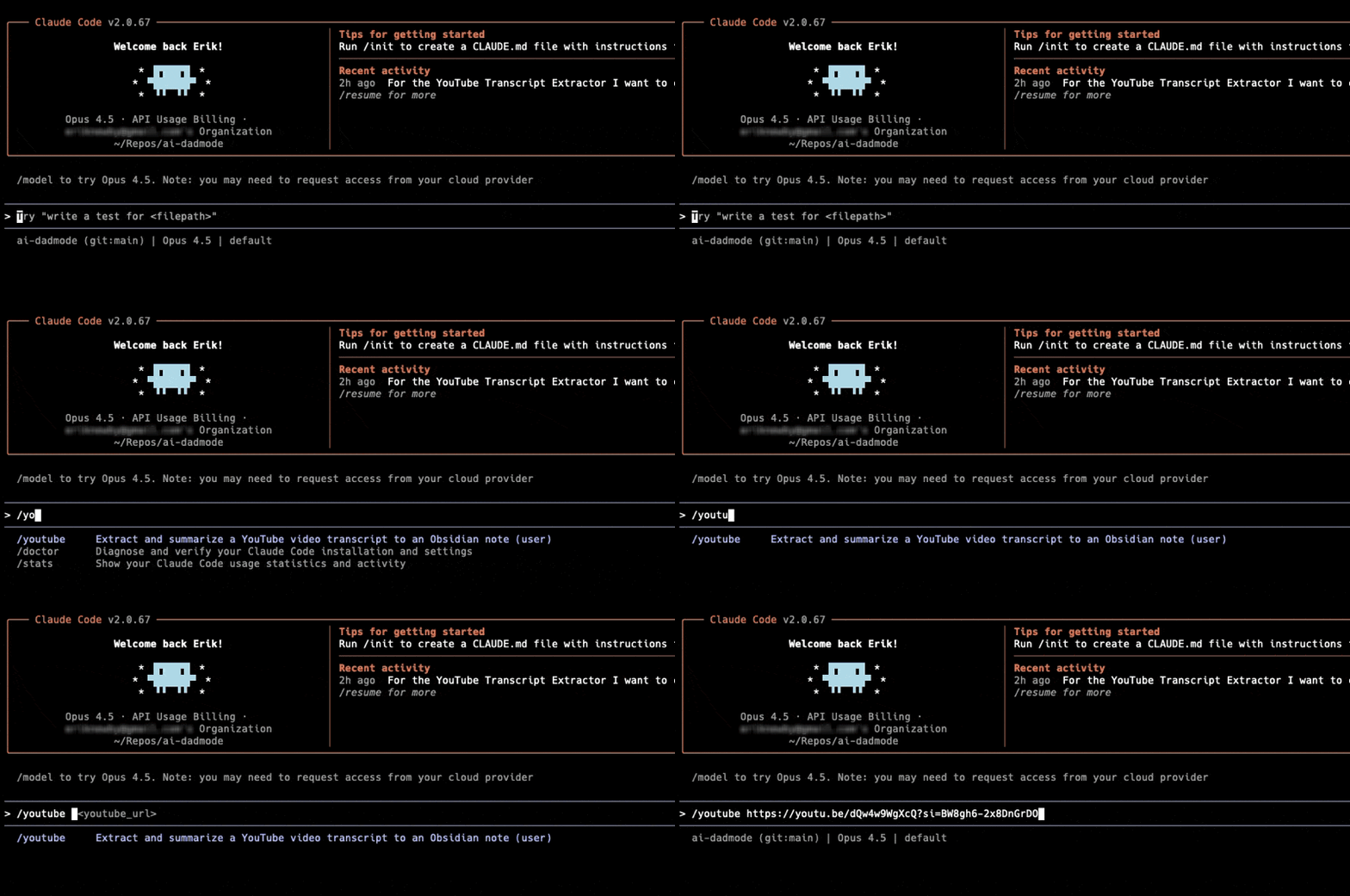
The /youtube command extracts transcripts from any YouTube video and creates
a structured Obsidian note with an AI-generated summary, key takeaways, and the full transcript.
What You'll Get
- Executive Summary - 2-3 paragraph overview of the video content
- Key Takeaways - Bullet points of the most important insights
- Notable Quotes - Memorable quotes with timestamps
- Topics Covered - List of main themes discussed
- Full Transcript - Complete transcript in a collapsible section
Installation
Let's get you set up!
This takes about 2 minutes. We'll walk through it together, step by step. No coding experience needed!
Quick check before we start
Just making sure you have the basics ready. This only takes a sec!
Do you have Claude Code installed?
Install the transcript library
Now we'll add a small helper that grabs YouTube transcripts.
Download the script
Next, we'll download the script that does the heavy lifting.
Create the Claude command
Almost there! This last step connects everything to Claude Code.
Let's make sure it works!
One quick test to confirm everything is set up correctly.
You did it! Nice work!
The /youtube command is ready to use.
Open Claude Code, paste a YouTube link, and try it out!
Scroll down to see more usage examples and tips.
Usage
In Claude Code, run the command with a YouTube URL:
/youtube https://www.youtube.com/watch?v=VIDEO_IDClaude will:
- Extract the transcript from the video
- Generate a comprehensive summary
- Create a structured Obsidian note
- Save it to your
youtube/folder
Supported URL Formats
https://www.youtube.com/watch?v=VIDEO_IDhttps://youtu.be/VIDEO_IDhttps://www.youtube.com/embed/VIDEO_ID
Output Format
The generated Obsidian note follows this structure:
---
title: Video Title Here
source: https://www.youtube.com/watch?v=VIDEO_ID
video_id: VIDEO_ID
type: video
tags:
  - youtube
  - topic-tag
  - another-tag
created: 2025-12-11
---

# Video Title Here

## Summary
A concise 2-3 paragraph summary of the main content...

## Key Takeaways
> [!important]
> - First key insight
> - Second key insight
> - Third key insight

## Notable Quotes
> "Quote from the video" (timestamp)

## Topics Covered
- Topic 1
- Topic 2
- Topic 3

## Full Transcript
<details>
<summary>Click to expand full transcript</summary>

Full transcript text here...

</details>
Downloads
Prefer to install manually? Download the files directly:
Troubleshooting
Error: Transcripts are disabled for this video
Some videos have transcripts disabled by the uploader. Try a different video, or check if the video has auto-generated captions available.
Error: No transcript found
The video may not have any captions available. This is common for very new videos or videos in languages without auto-caption support.
Error: youtube-transcript-api not installed
Run pip install youtube-transcript-api to install the required dependency.
Command not found: /youtube
Make sure the youtube.md file is in your ~/.claude/commands/ directory
and restart Claude Code.